
Managing your academic email online is essential to stay informed about important communications and updates from the institution. To access it easily, it is often necessary to follow a few simple steps that ensure a quick and secure connection.
Make sure you have your credentials at hand. Most academic platforms require a specific username and password. Use a compatible and up-to-date browser to avoid technical issues. Save the academic email address in your favorites for direct and instant access.
Steps to Easily Access Your Academic Email
1. Preparation
First and foremost, gather your credentials. These are often the same as those used for academic platforms such as I-Prof. The username is typically composed of the first letter of your first name followed by your last name. The password may be your NUMEN or a personalized password.
2. Access the Login Page
Access to your academic email is done via a webmail provided by your academy. Here are a few recommendations:
- Use an up-to-date browser, such as Mozilla Firefox or Google Chrome.
- Enter the webmail address of your academy in your browser’s address bar.
- Add this address to your favorites for quick future access.
3. Enter Your Credentials
Once on the login page, enter your credentials. If you encounter difficulties, check that your keyboard is in the correct input mode (caps lock off, appropriate input language). In case of persistent problems, the NUMEN can be used to reset the password via the MACA-DAM tool.
4. Advanced Configuration
For those who prefer to use an email client like Outlook or Thunderbird, configuring the incoming and outgoing servers is necessary. Use the IMAP protocol for receiving and SMTP for sending. Ensure that the security of communications is guaranteed by the SSL/TLS protocol.
For a detailed demonstration of accessing an academic email, see IA49.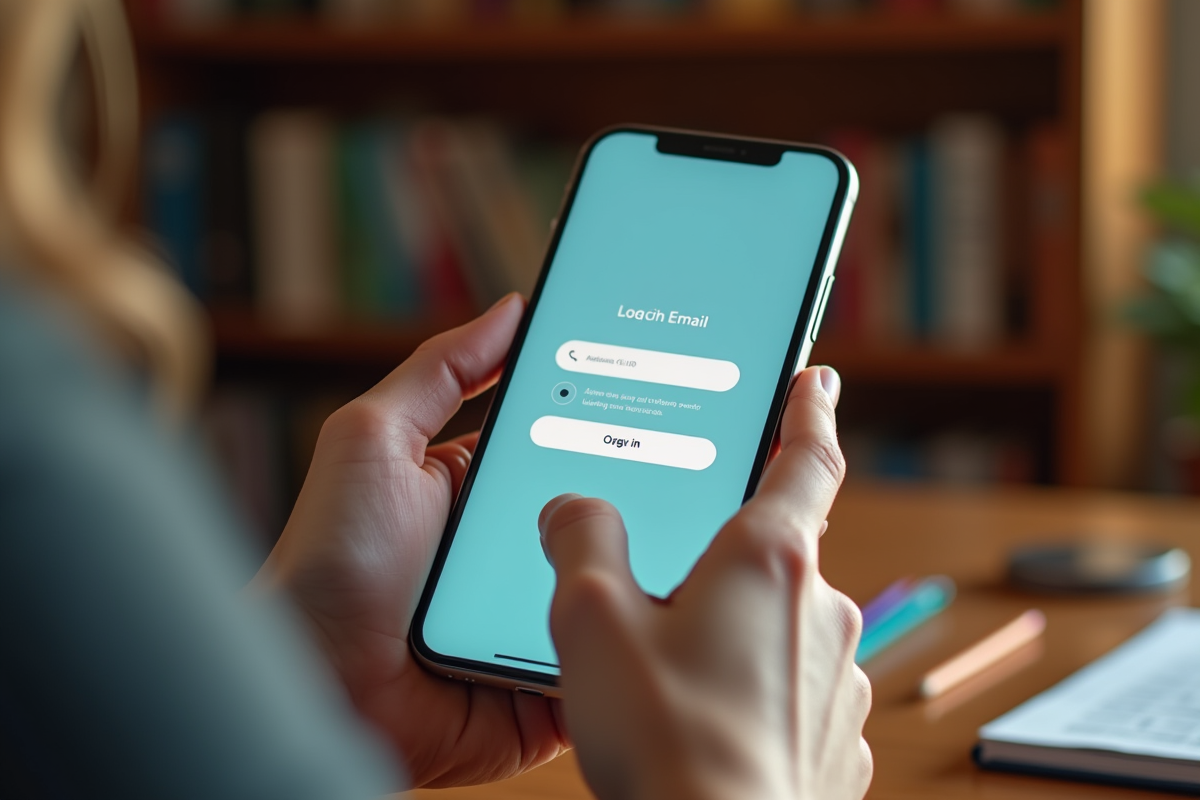
Troubleshooting Common Connection Issues
1. Incorrect Credentials
When you are unable to log in, the first check to perform concerns your credentials. Use the Numen to reset your password via the MACA-DAM tool. If the problem persists, contact your secretariat or your manager for further assistance.
2. Technical Issues
Connection problems can also be technical in nature. In this case, several solutions are available to you:
- Consult the support system of your academy, which includes sending emails, a website to check, and a phone number.
- Contact the technical support provided by the DSI or via the CARIINA platform, accessible on Arena.
3. Disabled Automatic Transfers
Since April 17, 2023, automatic transfers to a private email are no longer possible. Refer to the academic note for more details. In the meantime, regularly check your academic inbox to avoid missing important messages.
4. Security and Configuration
Ensure that your connection is secure. The SSL/TLS protocols must be enabled to guarantee the security of your communications. Use the correct settings for the IMAP and SMTP servers in your email client. If needed, the IA49 site offers tutorials for these configurations.
For any other difficulties, feel free to consult the resources of your academy or the guides available online.